
WaterFall 瀑布流
介绍
瀑布流组件,用于展示一组等宽不等高的元素。基于 HarmonyOS 原生 WaterFlow 组件封装,提供简化的瀑布流布局能力,支持自定义列数、间距、懒加载等特性。常用于图片展示、商品列表、资讯信息流等场景。
引入
typescript
import { TnWaterFall, TnWaterFallDataSource } from "@tuniao/tn-ui";代码演示
基础用法
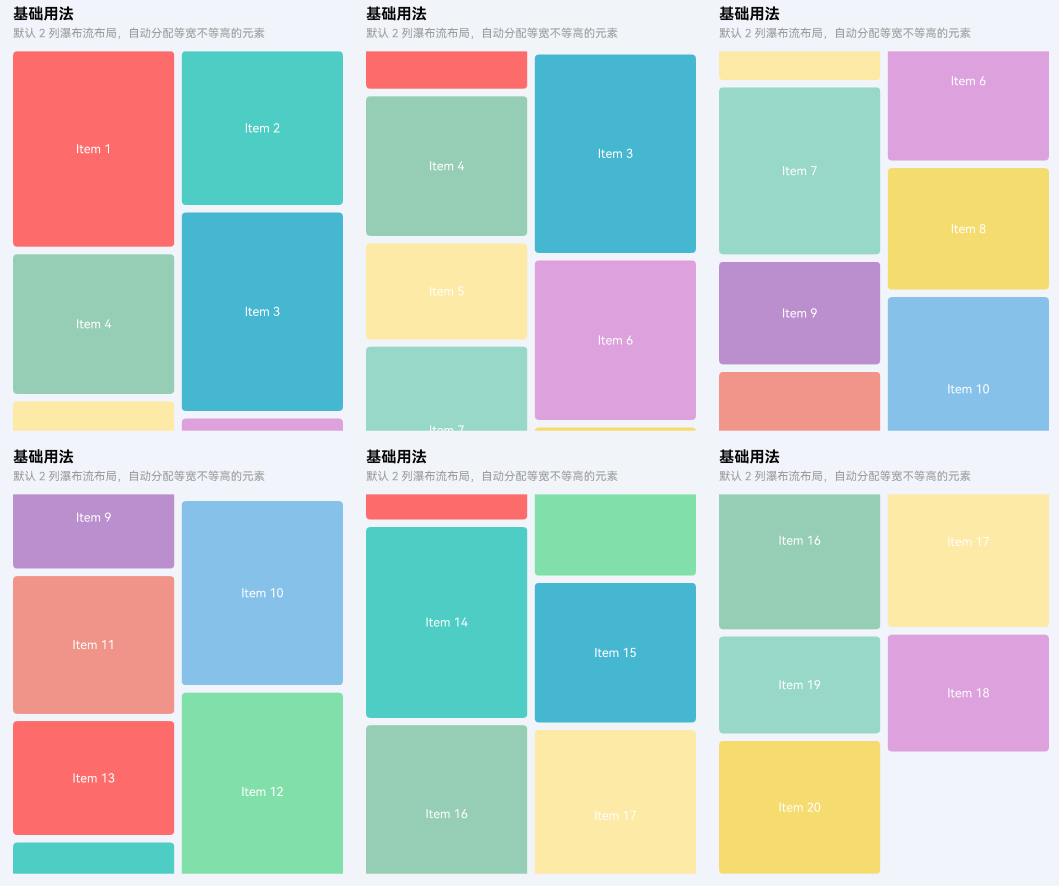
通过 dataSource 传入数据源,itemBuilder 定义每个瀑布流项的渲染内容。默认展示 2 列布局。
点我查看代码
typescript
// 定义数据项
@ObservedV2
class WaterFallItem {
  @Trace id: number = 0;
  @Trace height: number = 0;
  @Trace title: string = "";

  constructor(id: number, height: number, title: string) {
    this.id = id;
    this.height = height;
    this.title = title;
  }
}

// 初始化数据源
@Local dataSource: TnWaterFallDataSource = new TnWaterFallDataSource();

aboutToAppear(): void {
  const items: Object[] = [];
  for (let i = 0; i < 20; i++) {
    const height = 100 + Math.floor(Math.random() * 120);
    items.push(new WaterFallItem(i, height, `Item ${i + 1}`));
  }
  this.dataSource.resetData(items);
}

// 在 build 中
TnWaterFall({
  dataSource: this.dataSource,
  columnCount: 2,
  itemBuilder: (item: Object, index: number) => {
    this.WaterFallItemView(item as WaterFallItem, index);
  },
  waterFallHeight: 400
})

@Builder
WaterFallItemView(item: WaterFallItem, _index: number): void {
  Column() {
    Text(item.title)
      .fontSize(getFontSizeByKey(this.baseStyle, "fontSizeSm"))
      .fontColor($r("app.color.tn_color_white"))
  }
  .width("100%")
  .height(item.height)
  .justifyContent(FlexAlign.Center)
  .backgroundColor(getThemeColor(this.baseStyle, "primary"))
  .borderRadius(this.baseStyle.borderRadius)
}
三列布局
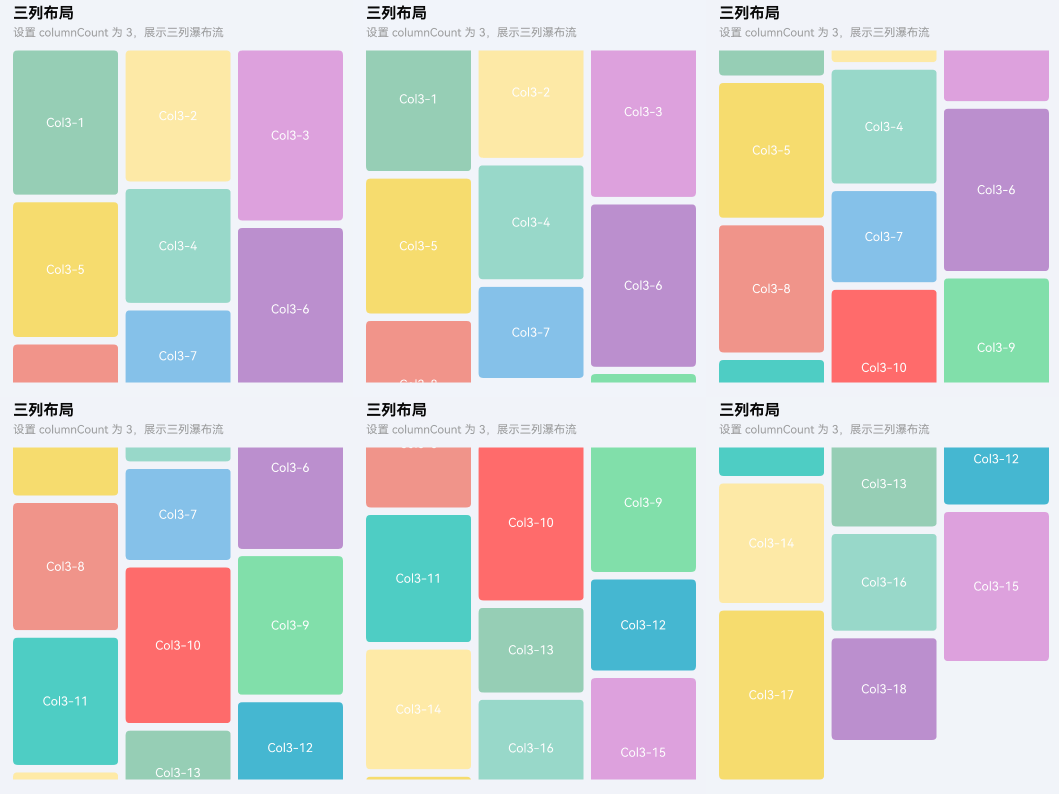
通过 columnCount 属性设置列数,支持 1-6 列。
点我查看代码
typescript
TnWaterFall({
  dataSource: this.dataSource,
  columnCount: 3,
  itemBuilder: (item: Object, index: number) => {
    this.WaterFallItemView(item as WaterFallItem, index);
  },
  waterFallHeight: 350
})
自定义间距
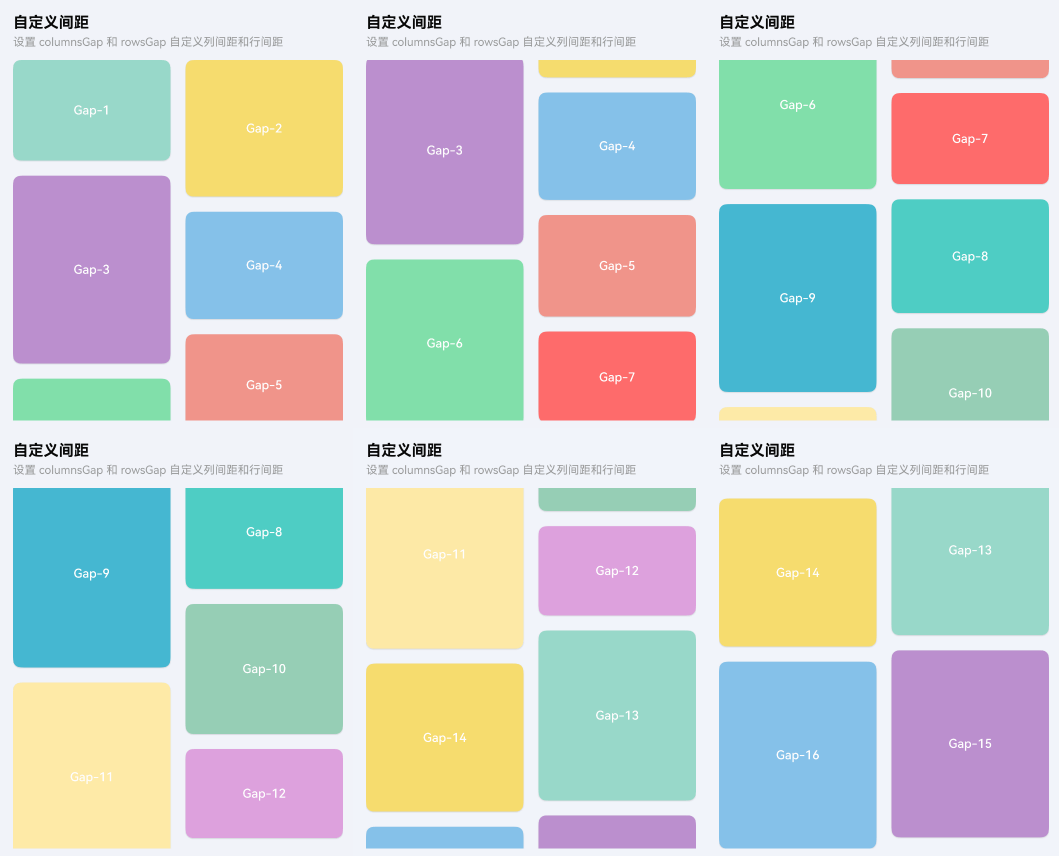
通过 columnsGap 和 rowsGap 分别设置列间距和行间距(单位 vp)。不设置时默认使用 baseStyle 中的 spaceXsm 间距。
点我查看代码
typescript
TnWaterFall({
  dataSource: this.dataSource,
  columnCount: 2,
  columnsGap: 16,
  rowsGap: 16,
  itemBuilder: (item: Object, index: number) => {
    this.WaterFallItemView(item as WaterFallItem, index);
  },
  waterFallHeight: 380
})
加载更多
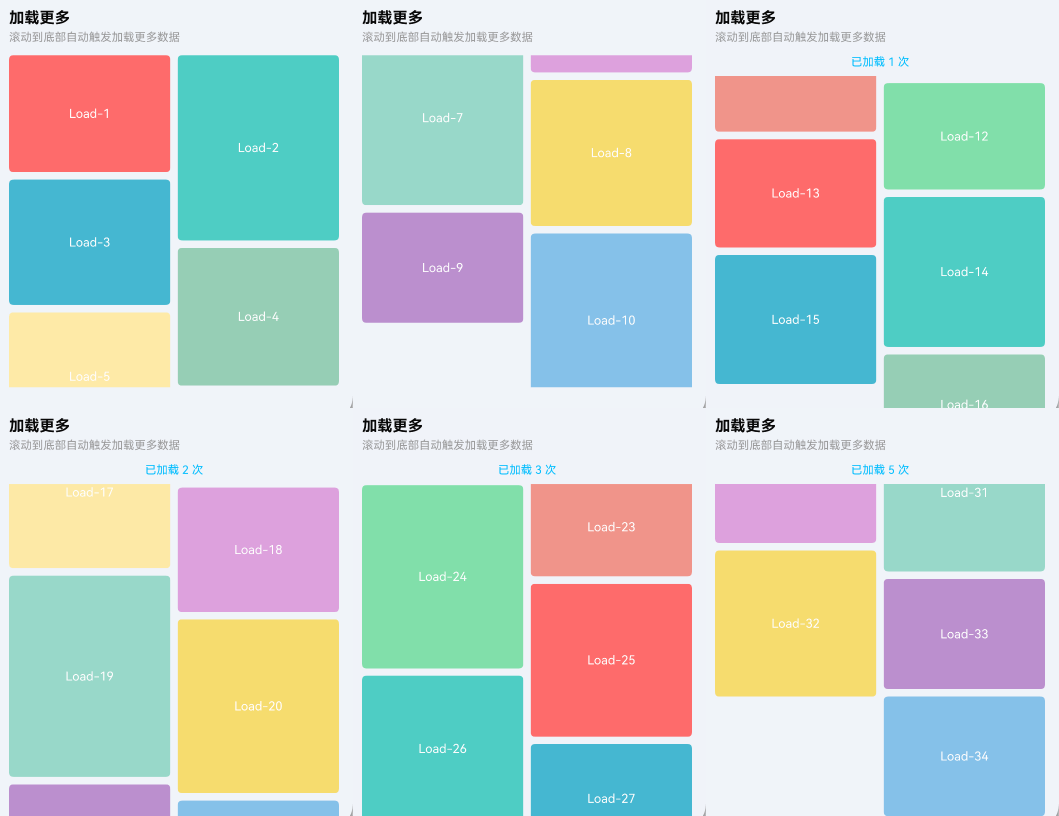
通过 onLoadMore 事件监听触底加载。当瀑布流滚动到底部时自动触发回调,可在回调中追加新数据。
点我查看代码
typescript
@Local isLoading: boolean = false;

TnWaterFall({
  dataSource: this.dataSource,
  columnCount: 2,
  onLoadMore: () => { this.handleLoadMore(); },
  itemBuilder: (item: Object, index: number) => {
    this.WaterFallItemView(item as WaterFallItem, index);
  },
  waterFallHeight: 400
})

handleLoadMore(): void {
  if (this.isLoading) {
    return;
  }
  this.isLoading = true;
  setTimeout(() => {
    const items: Object[] = [];
    for (let i = 0; i < 6; i++) {
      const idx = this.dataSource.totalCount() + i;
      const height = 100 + Math.floor(Math.random() * 120);
      items.push(new WaterFallItem(idx, height, `New-${idx + 1}`));
    }
    this.dataSource.pushDataArray(items);
    this.isLoading = false;
  }, 1000);
}
自定义背景色和内边距
通过 bgColor 设置瀑布流背景色,通过 waterFallPadding 设置内边距。
点我查看代码
typescript
TnWaterFall({
  dataSource: this.dataSource,
  columnCount: 2,
  bgColor: $r("app.color.tn_bg_color_page"),
  waterFallPadding: {
    left: 12,
    right: 12,
    top: 8,
    bottom: 8
  },
  itemBuilder: (item: Object, index: number) => {
    this.WaterFallItemView(item as WaterFallItem, index);
  },
  waterFallHeight: 400
})
外部滚动控制
通过 scroller 属性传入外部 Scroller 实例,可以在外部控制瀑布流的滚动行为。
点我查看代码
typescript
private waterFallScroller: Scroller = new Scroller();

// 在 build 中
Button("滚动到顶部")
  .onClick(() => {
    this.waterFallScroller.scrollTo({ xOffset: 0, yOffset: 0 });
  })

TnWaterFall({
  dataSource: this.dataSource,
  columnCount: 2,
  scroller: this.waterFallScroller,
  itemBuilder: (item: Object, index: number) => {
    this.WaterFallItemView(item as WaterFallItem, index);
  },
  waterFallHeight: 400
})
使用说明
TnWaterFallDataSource 数据源
组件提供了 TnWaterFallDataSource 类作为数据源,实现了 IDataSource 接口,支持 LazyForEach 懒加载。主要方法:
| 方法 | 说明 | 参数 |
|---|---|---|
| resetData | 重置全部数据 | items: Object[] |
| pushData | 追加单条数据 | item: Object |
| pushDataArray | 批量追加数据 | items: Object[] |
| deleteData | 删除指定索引数据 | index: number |
| totalCount | 获取数据总数 | - |
| getData | 获取指定索引数据 | index: number |
| getAllData | 获取所有数据副本 | - |
注意事项
dataSource必须实现IDataSource接口,推荐使用组件提供的TnWaterFallDataSource。itemBuilder中的内容建议设置.width("100%")以确保正确填充列宽。- 加载更多数据时,推荐使用
pushData或pushDataArray逐条/批量追加,避免使用resetData重置全部数据导致瀑布流重新计算布局。 columnCount支持动态修改,组件会自动重新计算列模板。- 组件内部使用
WaterFlowLayoutMode.SLIDING_WINDOW滑动窗口模式,性能更优。
API
Props
| 参数 | 说明 | 类型 | 默认值 |
|---|---|---|---|
| dataSource | 数据源,支持 LazyForEach 懒加载 | IDataSource | null | null |
| columnCount | 列数,范围 1-6 | number | 2 |
| columnsGap | 列间距,单位 vp,-1 表示使用默认间距 | number | -1 |
| rowsGap | 行间距,单位 vp,-1 表示使用默认间距 | number | -1 |
| showScrollBar | 是否显示滚动条 | boolean | false |
| loadMoreOffset | 触底加载阈值距离,单位 vp | number | 50 |
| waterFallWidth | 组件宽度 | Length | "100%" |
| waterFallHeight | 组件高度 | Length | "100%" |
| bgColor | 背景色 | ResourceColor | Color.Transparent |
| waterFallPadding | 内边距 | Padding | {} |
| scroller | 外部滚动控制器 | Scroller | null | null |
Events
| 事件名 | 说明 | 回调参数 |
|---|---|---|
| onLoadMore | 滚动到底部时触发 | () => void |
| onScroll | 滚动时触发 | (scrollOffset: number) => void |
Slots
| 名称 | 说明 |
|---|---|
| itemBuilder | 每个瀑布流项的渲染构建器,接收 (item: Object, index: number) 参数 |